The tools didn't work in my new cp1 #87
Labels
No labels
Customized PKG
Dup
Enhancement
Help Needed
Invalid
Official PKG
Question
Script Bug
Taobao PKG
Wont Fix
No milestone
No project
No assignees
1 participant

Notifications
Due date
No due date set.
Dependencies
No dependencies set.
Reference
happyz/dpt-tools#87
Loading…
Add table
Add a link
Reference in a new issue
No description provided.
Delete branch "%!s()"
Deleting a branch is permanent. Although the deleted branch may continue to exist for a short time before it actually gets removed, it CANNOT be undone in most cases. Continue?
Hi, I bought cp1 several weeks ago. I use HappyZ's tools following the steps, but it didn't have any effect. Maybe sony have patched and upgraded the OS. Does anybody succeed recently
when you say it didn't have any effect, you mean even from step 1 it didn't
print any messages on the screen after flashing the fw.pkg?
On Thu, May 2, 2019 at 11:21 AM wxredstar notifications@github.com wrote:
Flashing pkg all succeed in Step1, step2 and step3, but adb can’t find device.
The system reboot after flashing pkgs.
I can get into diagnosis mode by pushing power key and home key.
| |
wxredstar
|
|
邮箱:wxredstar@126.com
|
Signature is customized by Netease Mail Master
On 05/03/2019 00:32, HappyZ wrote:
when you say it didn't have any effect, you mean even from step 1 it didn't
print any messages on the screen after flashing the fw.pkg?
On Thu, May 2, 2019 at 11:21 AM wxredstar notifications@github.com wrote:
--
BR | Yanzi Zhu
https://happyz.me
—
You are receiving this because you authored the thread.
Reply to this email directly, view it on GitHub, or mute the thread.
Hi there, ADB is indeed slow to start now as I wasn't using a stock adbd service. Instead I used insecure adbd from Chainfire (for good if anything bricks). From my own experience, you do have to wait for a while (1-2min sometimes) for adbd to kick off (after device boots up). If not appearing, try several times the following:
MBP:platform-tools kang$ adb kill-server
MBP:platform-tools kang$ adb devices
List of devices attached
Hi, HappyZ, I tried many times, but adb didn't attach any device. Maybe sony has patched the backdoor in new OS.
hi you can try the old pkg in my commit history:
github.com/HappyZ/dpt-tools@e766bb7187/fw_updater_packer_unpacker/pkg_example/flashable_mod_boot_img/FwUpdater.pkgand see if this can work.Use the same
fwupdate firmware method. Do not download the old code other than the PKG.In this old version, you will need to address
unauthorizedproblem, on your computer (Mac or Linux),the
adbkeyfile is atgithub.com/HappyZ/dpt-tools@e766bb7187/python_api/assets/adbkeyHi HappyZ , I connectd my cp1 to a Windows pc. The computer found usb storage device(my mac pc detected nothing but sony digit paper app well done), then I used adb, it works well with your official pkgs. I'm using koreader now. Thank for your great work!
dear wxredstar,how do you solve the issue? I used windows also,but use adb devices ,I can not find the dpt. 3ks!!!
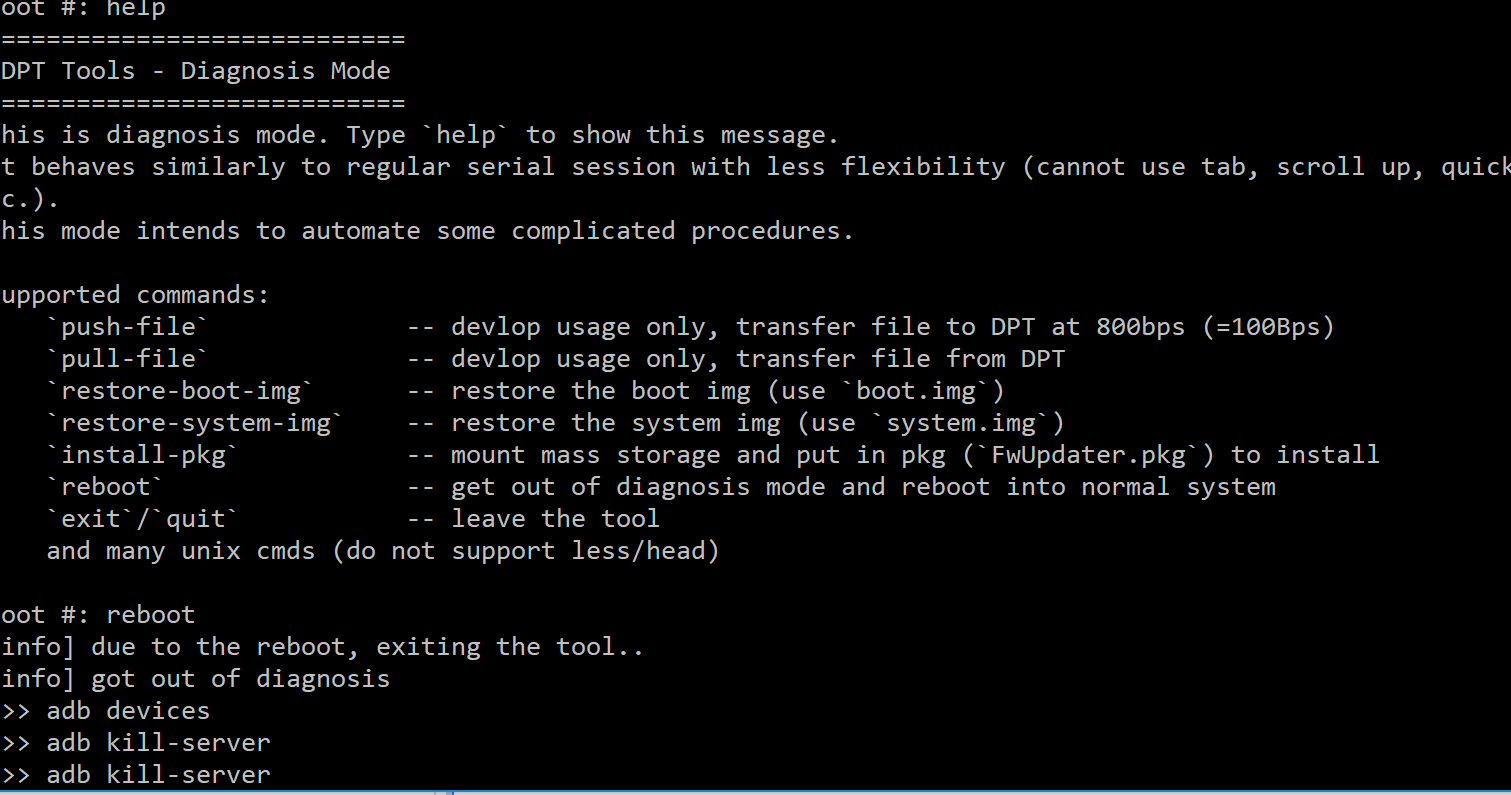
Just download your adbkey and it worked for me! thanks mate.